Skip to content
Wildcat Reviews
How we review

The Ultimate Home Security Guide: Systems, Cameras & Smart Devices

Leonard OlsonUpdated

We may earn a commission when you buy through links on this page, at no extra cost to you.
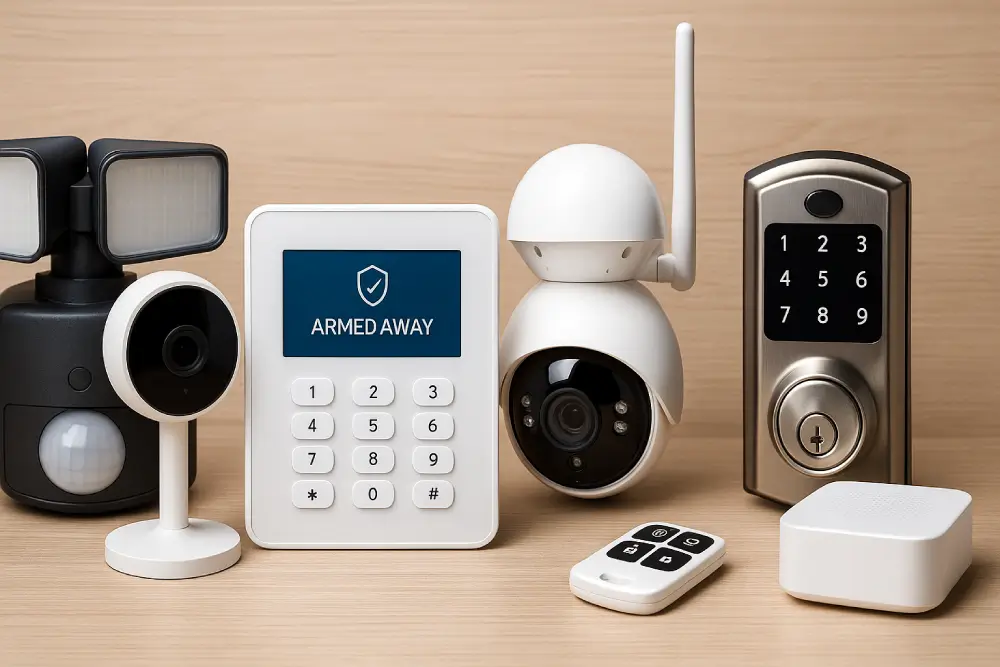
A useful home security setup starts with a clear job: knowing when an entry opens, seeing who is at the door, recording a driveway, or giving someone temporary access. These jobs overlap, but they are not identical. A camera bundle is not automatically an alarm, and a smart lock does not replace a sound door.

This guide helps you plan those layers before buying individual devices. We explain how alarms, cameras, lights and locks work together, then show nine examples for different priorities. You do not need every category or a camera in every room. Choose around the property, the people using it and the maintenance you can manage, with a clear budget for accessories and any ongoing services.

Quick recommendation

Start with the problem, then buy the right device. Choose a sensor-based alarm for armed entry detection, a doorbell or camera for useful views, lighting for visibility, and a lock for access management. Our security system comparison is the focused shortlist if you already know you want an alarm.

What Counts as a “Home Security System or Kit” Today?

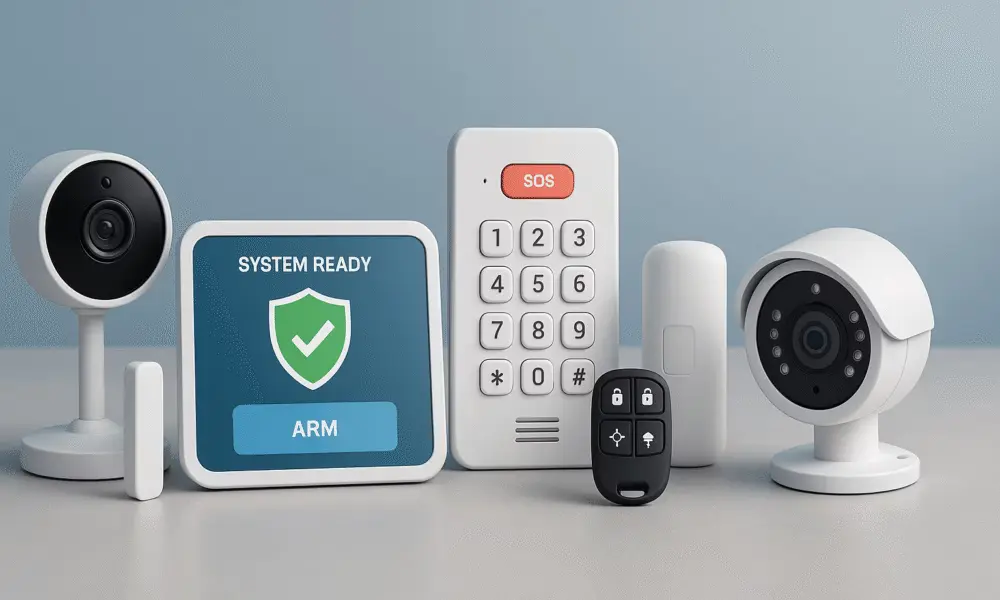
A home security setup can include several connected devices, but it helps to keep their roles separate. An alarm system uses a base, compatible sensors and usually a siren. A camera system supplies live views and recordings. A connected-home ecosystem may manage both, yet each function has its own power, storage and service requirements.

Self-monitoring means you or an authorized person respond to alerts. Professional monitoring is a separate eligible service with defined procedures; buying a camera or alarm does not automatically create an emergency-service response. Use the categories below to identify the job you need before comparing bundles.

Component What It Does Why It Matters
Indoor cameras Provide a chosen indoor viewpoint and supported recordings. Optional visual awareness; place only where privacy is appropriate.
Outdoor cameras Show approach routes, driveways or selected perimeter areas. Useful views depend on position, power, lighting and recording access.
Alarm base and sensors Detect compatible entry or motion events and control the alarm. Choose sensor coverage and monitoring deliberately.
Video doorbells Show visitors and support doorstep conversations. Check parcel view, mounting, chime and storage needs.
Motion lights Illuminate an area when the configured sensor triggers. Improve visibility; they do not guarantee deterrence.
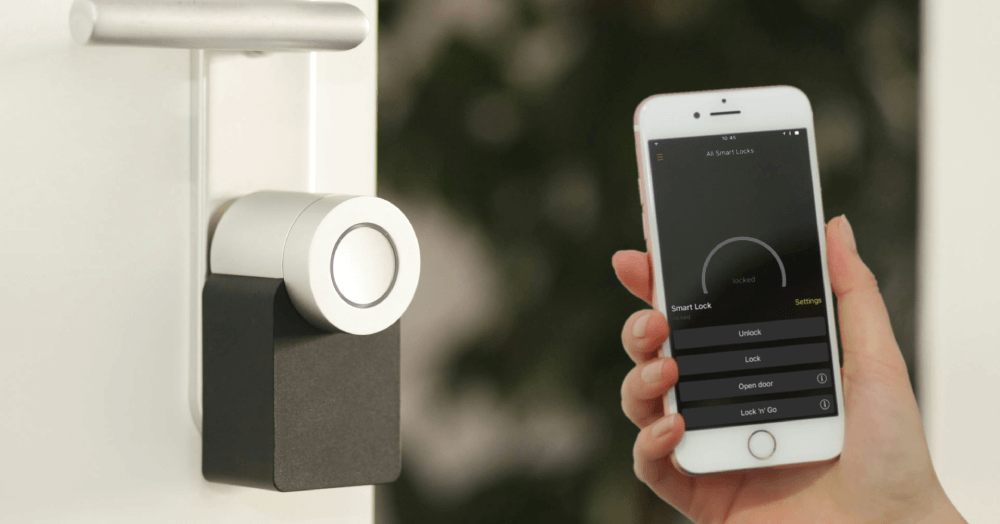
Smart locks Manage supported keys, PINs, app access or fingerprints. Remote access and guest codes depend on model and accessories.
Pet cameras Provide optional views or pet-specific features. They are not a substitute for an intrusion alarm.

Some compatible devices are straightforward DIY installations; others need door alterations, safe electrical work or professional help. Local alarm functions, remote app access, cloud recording and monitoring are separate features. Confirm the exact installation and service requirements before assuming a complete setup is drill-free or subscription-free.

Essential Security Components of a Modern Smart Home Setup

Alarms: detect the event you care about

Begin with accessible entrances and the routes through the property. Match compatible entry and motion sensors to those areas, then decide who will respond to an alarm. Our home security system shortlist separates sensor-based kits from camera-first bundles. A larger piece count is not automatically better coverage.

Cameras: choose useful viewpoints

An entrance camera and a driveway camera see different things. Compare indoor cameras for appropriate shared spaces, outdoor cameras for exterior routes, and video doorbells for visitors and parcels close to the front step. Check a night recording from the actual position rather than relying on resolution alone.

Lighting: make the route visible

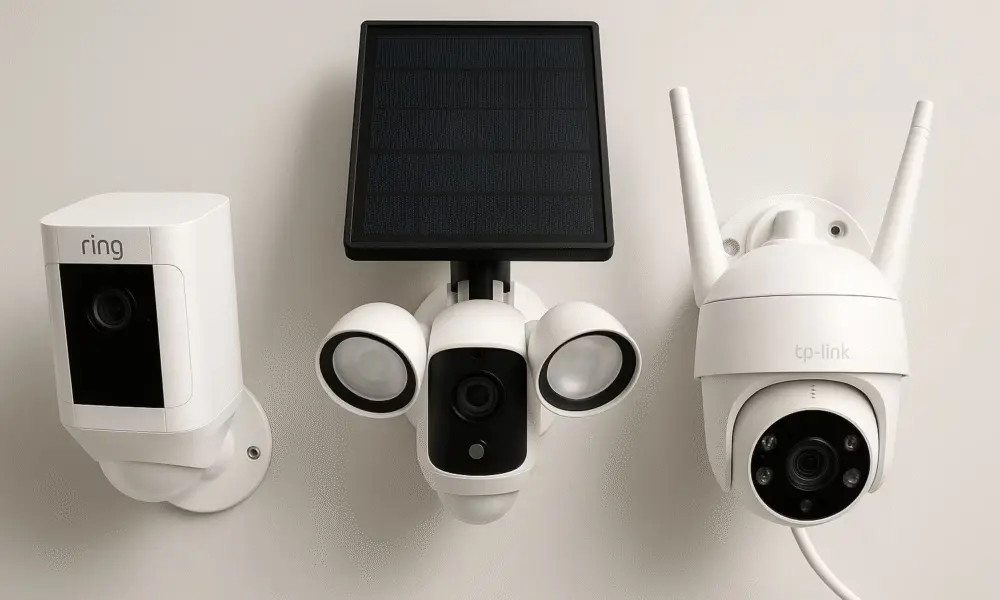
A well-aimed motion light can improve visibility without needing a camera or subscription. A floodlight camera combines those jobs when one position suits both. Use our motion sensor light comparison to distinguish light-only, solar and wired camera options. Avoid glare into neighbors’ windows or into your own camera lens.

Locks: manage access and preserve a fallback

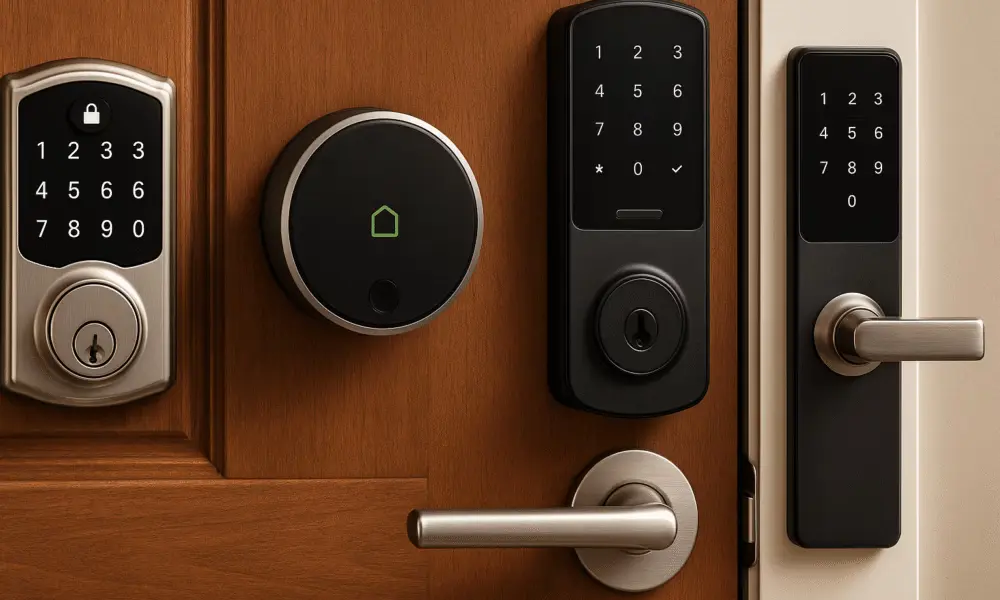
A smart lock adds supported entry methods and permissions; it does not repair a weak door or badly aligned deadbolt. Our Wi-Fi smart lock guide explains built-in Wi-Fi versus bridge-based or Bluetooth access. For a rental, the Airbnb lock guide focuses on guest codes, turnover checks and a practical backup.

The Best House Security Systems (Top Picks by Category)

The nine examples below illustrate different buying priorities. They are not nine equivalent alarm systems: several are camera kits or individual cameras. Use the recommendation to identify a suitable category, then verify the exact model, bundle contents and current service availability.

🏆 Best Overall Home Protection System

Best Overall ⭐ 9.7/10
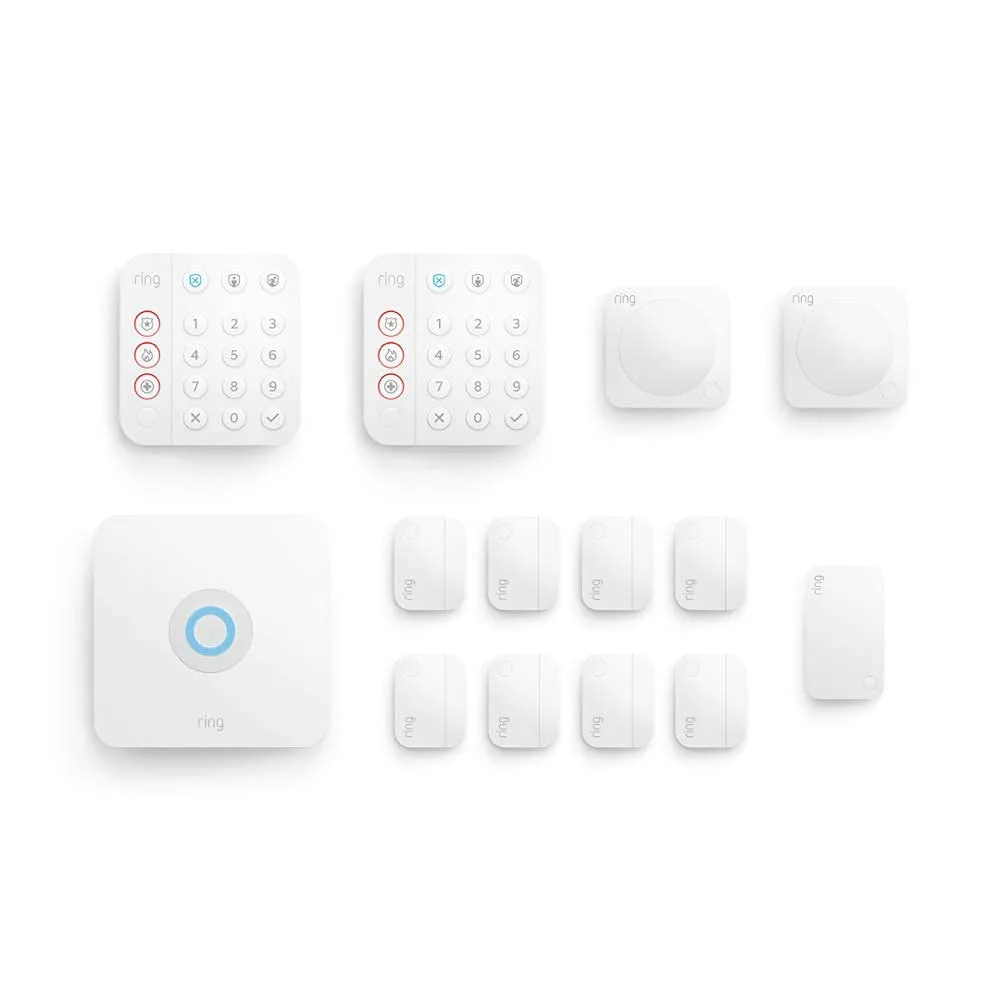
Ring Alarm 14-Piece Kit 2nd Gen

Ring Alarm 14-Piece Kit (2nd Gen)

Standout feature

A sensor-based Ring alarm kit provides a base, keypad and a set of intrusion devices.

Main drawback
This is Ring Alarm 2nd Gen, not Alarm Pro; cameras and service features must be checked separately.
  • Map the included fourteen pieces to the entrances and routes you actually need.
  • Verify compatible app and monitoring services for the property’s country.
  • Eligible cellular backup is different from satellite connectivity; no satellite backup is claimed here.
  • Add cameras only where a useful view complements the alarm.
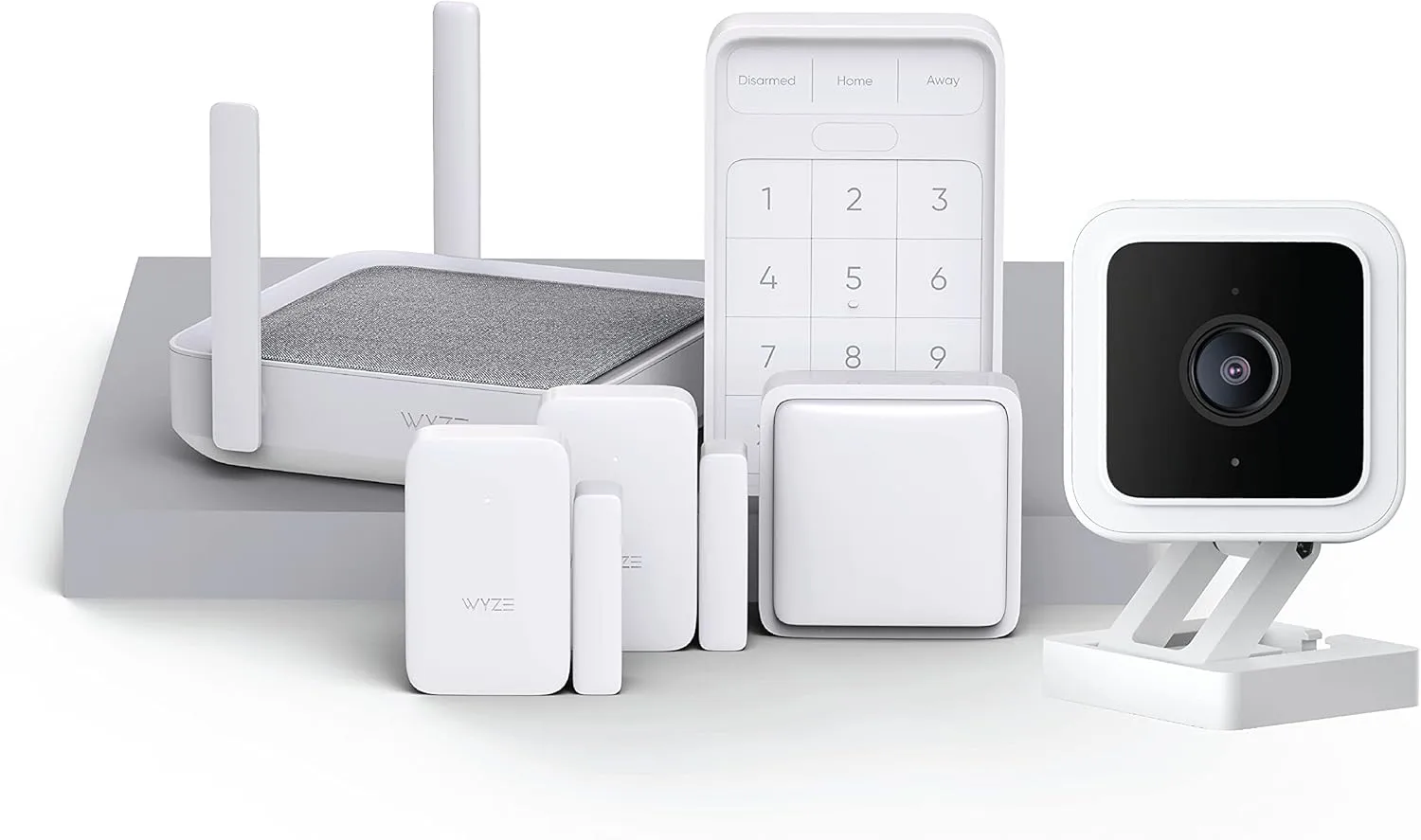
Ring Alarm is the alarm-focused example here, with sensors rather than a camera for every room. Compare alarm kits and camera systems if you want to shortlist the main platform before adding other devices.

Best Budget Wireless Home Security

Best Budget ⭐ 9.2/10
Wyze Sense v2 Security Kit

Wyze Sense v2 Home Security System (Core Kit)

Standout feature

A Wyze hub and compatible sensors provide a starting point for an entry-detection setup.

Main drawback
Check current kit availability, app functions and monitoring requirements before buying older stock.
  • Confirm the exact hub, entry sensors and motion sensor included.
  • Cameras are separate unless the selected bundle explicitly includes them.
  • Check current service costs rather than assuming all notifications are subscription-free.
  • Verify supported replacement sensors and regional service availability.

For an older or discounted kit, support and service eligibility matter as much as the purchase price. Confirm compatible replacements and the actual cost of the app or monitoring functions you need.

Best for Package & Porch Protection

Best for Porch Security ⭐ 9.5/10
Ring Doorbell + Floodlight Cam

Ring Battery Doorbell + Ring Floodlight Cam
Wired Plus

Standout feature

A doorbell viewpoint and a floodlight camera can cover different parts of an entrance.

Main drawback
The battery doorbell and hardwired floodlight have different power requirements.
  • Use the doorbell for close visitor interactions and the floodlight for the wider approach.
  • Confirm whether the selected doorbell supports the parcel alerts you want.
  • Saved Ring recordings require an eligible subscription.
  • Neither camera guarantees prevention of package theft.
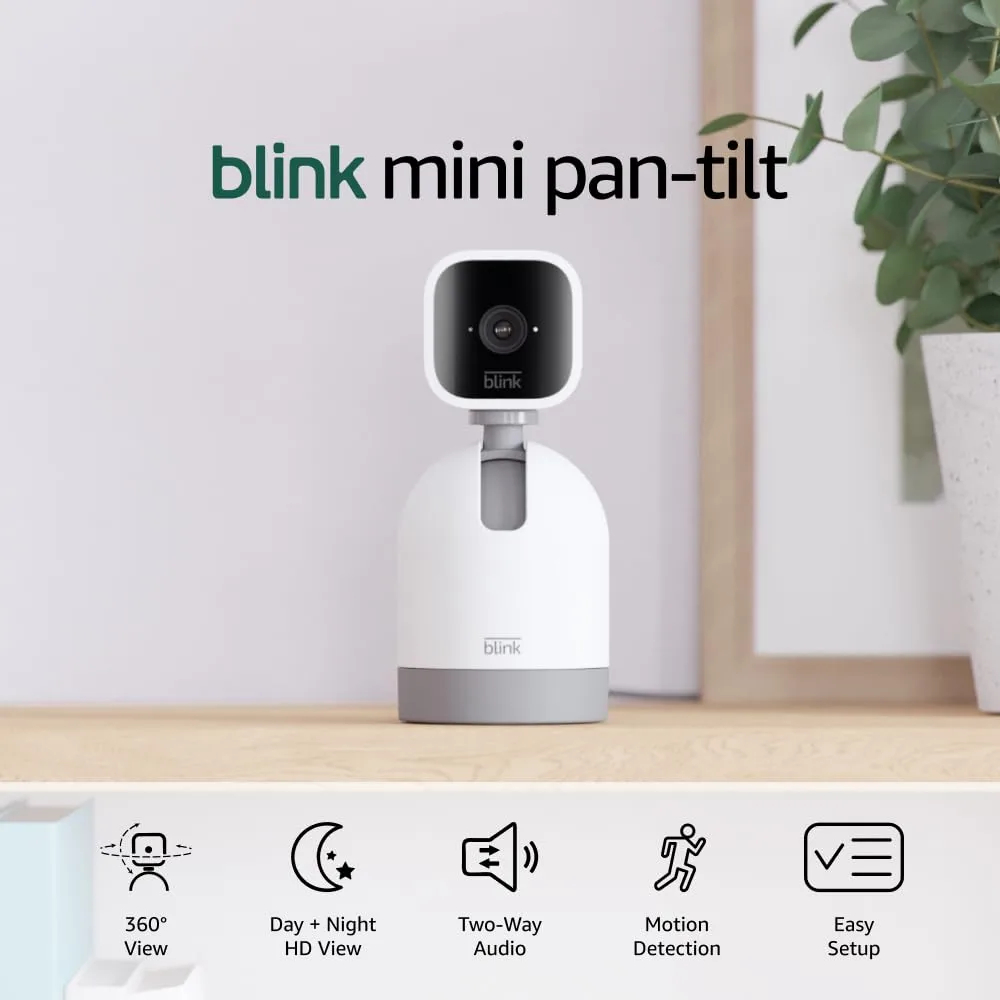
The close-up doorbell view and wider floodlight view serve different positions. Start with our doorbell camera comparison if visitor conversations or parcels are your main concern.

Best for Homes With Pets

A pet camera is an optional check-in tool rather than a requirement for a safe home. Alarm motion sensors may have their own pet-related placement limits; do not assume a camera’s pet detection makes an alarm immune to false activations.

Best for Smart Home Integration

Best Smart Home Integration ⭐ 9.6/10
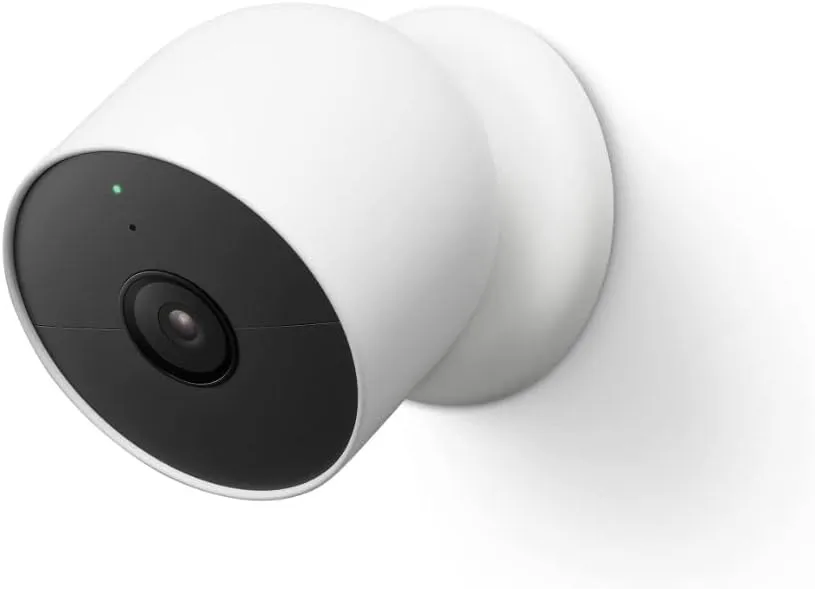
Google Nest Cam Outdoor or Indoor Battery 2nd Generation

Google Nest Cam (Battery, 2nd Gen)

Standout feature

A battery-powered 1080p HDR camera works within Google Home.

Main drawback
Longer history, continuous recording and recognition features have separate power, plan or regional requirements.
  • The included event history is a rolling three-hour window.
  • Choose battery placement or a supported continuous-power accessory.
  • Use an outdoor-rated installation and power arrangement where required.
  • Confirm ecosystem support instead of assuming every voice assistant works equally.
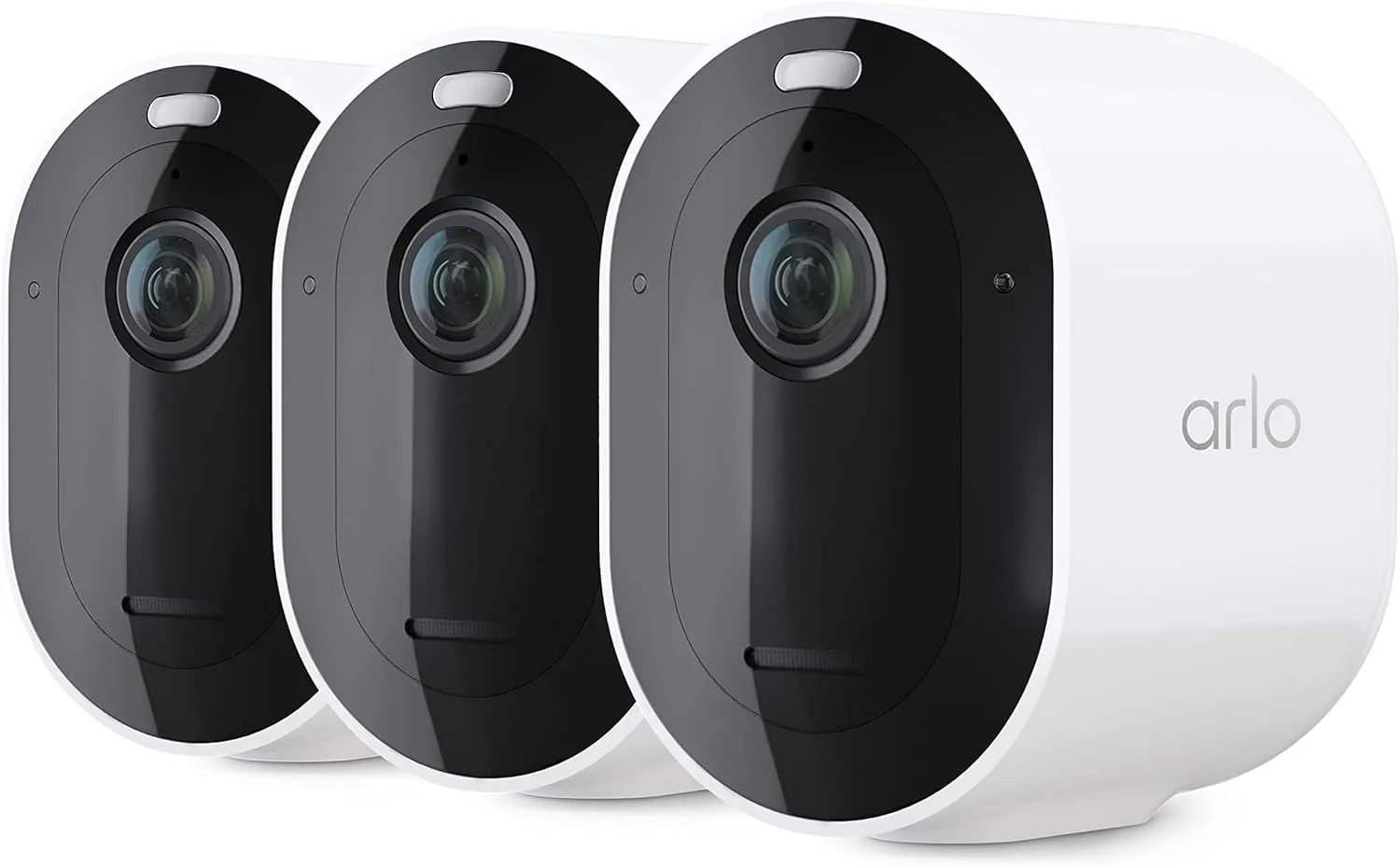
Check compatibility for each action you want: live video on a display, notifications, supported routines or account sharing. An ecosystem logo does not mean every feature is available across every device or that voice disarming should be enabled.

Best Wireless & Easy-Install Systems

Best Outdoor Coverage ⭐ 9.5/10
Arlo Pro 4 Spotlight Camera 3-Pack

Arlo Pro 4 Spotlight Camera (3-Pack)

Standout feature

Three battery-powered 2K cameras can provide separate exterior views.

Main drawback
This is a camera kit rather than an alarm with entry sensors.
  • Place each fixed-view camera around a specific approach route.
  • Budget for recording services or a compatible local-storage arrangement.
  • Apple Home compatibility requires the supported Arlo hub setup.
  • Keep charging access and wireless coverage in the installation plan.
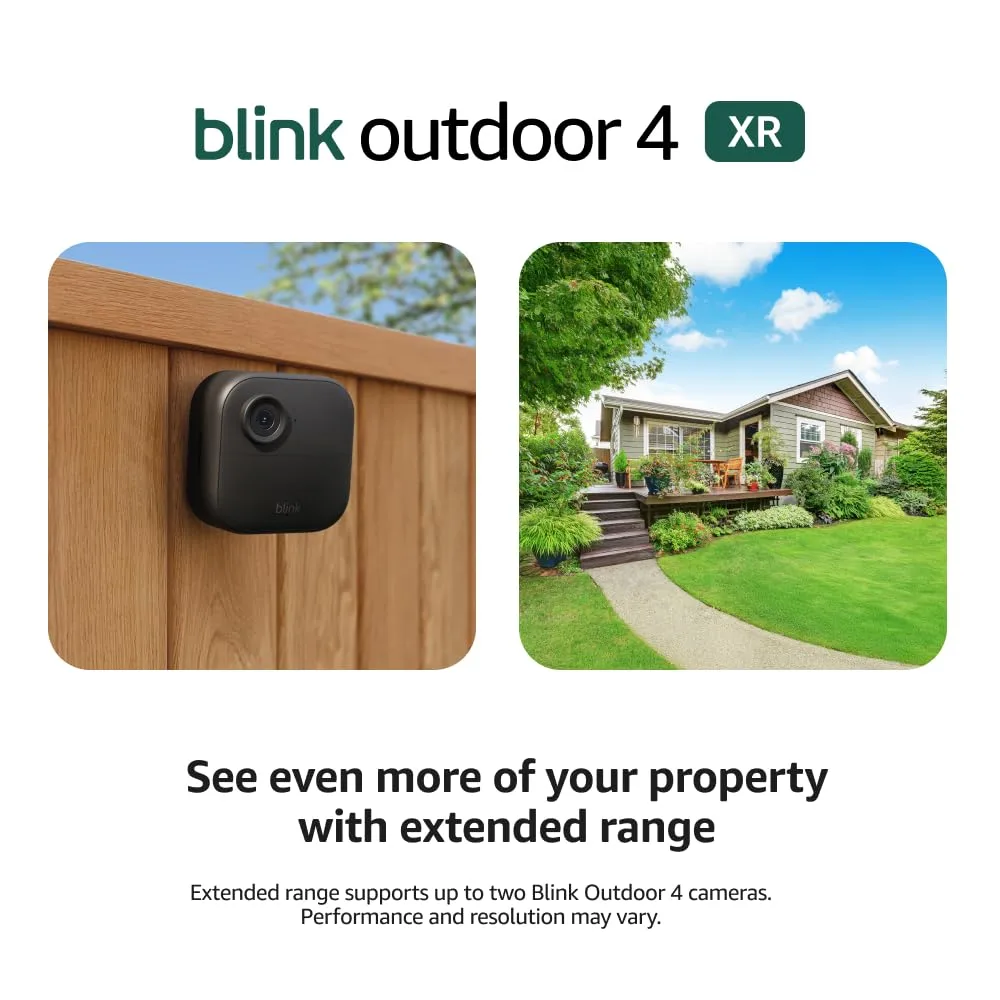
Battery power reduces cable work, but secure mounts can still need drilling and permission. A camera kit also needs charging access, suitable Wi-Fi and usable recordings; wireless does not mean maintenance-free.

Best Full Property Outdoor Coverage

For longer exterior routes, compare outdoor cameras around the actual power and signal conditions. Add motion lighting where visibility is the problem rather than simply adding more camera resolution.

Best App Controlled & Smart Monitoring Systems

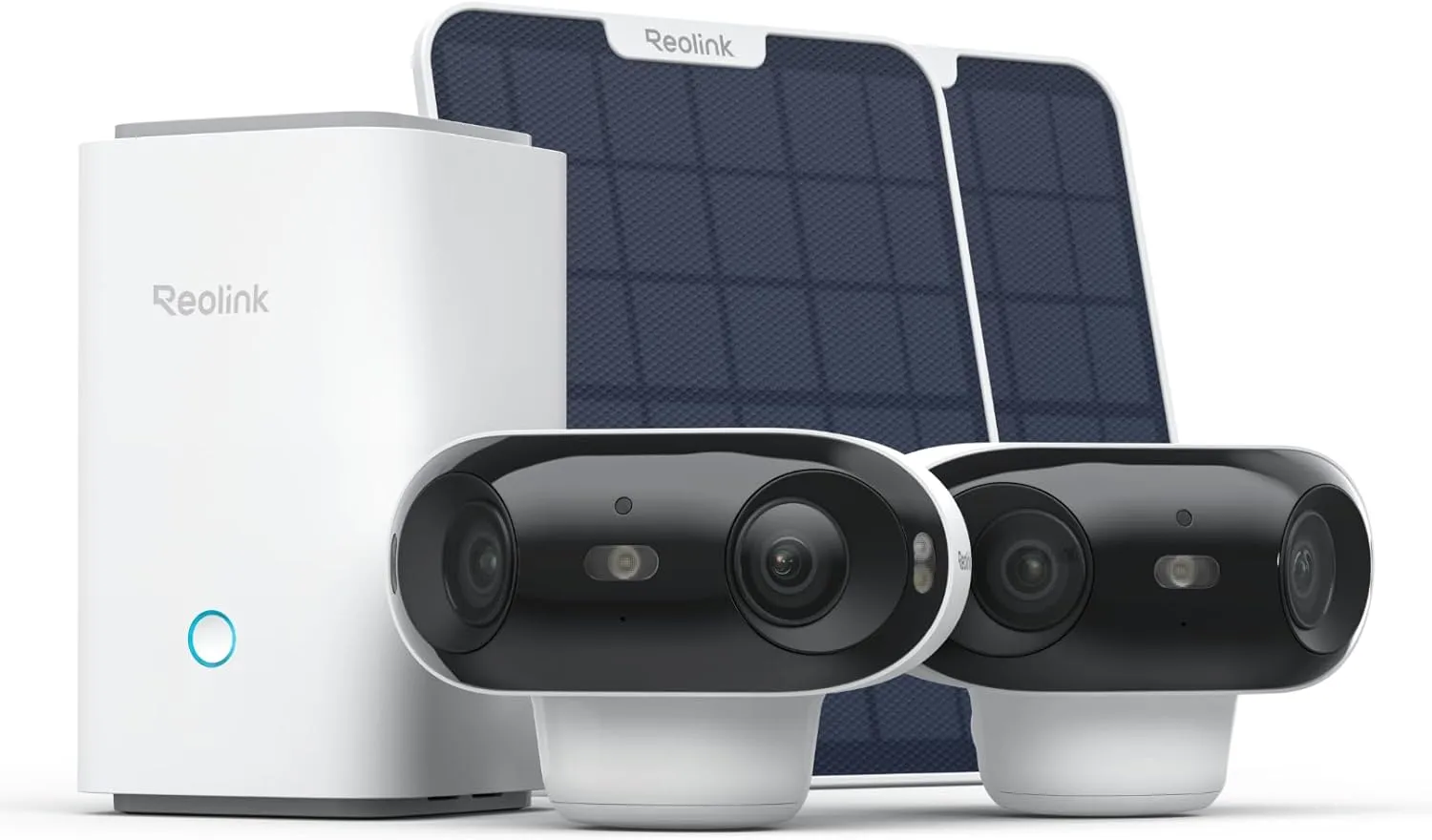
The Reolink example is camera-first. Confirm local storage, remote viewing and notifications for the exact model, and remember that an app alert is not professional monitoring or a guaranteed emergency response.

Best for an Alarm You Can Self-Monitor

Alarm You Can Self-Monitor ⭐ 9.4/10
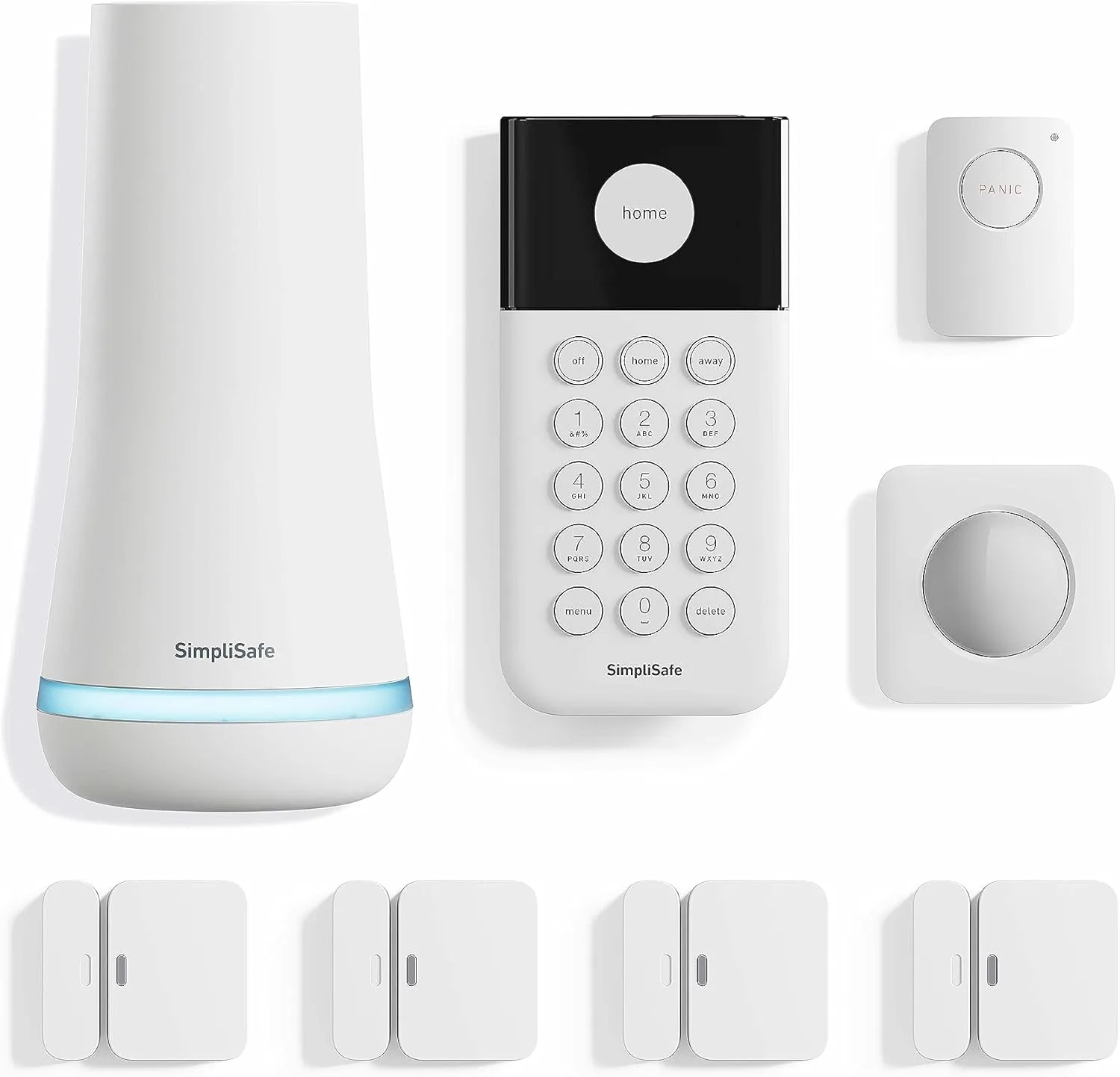
SimpliSafe 8-Piece Wireless Home Security System

SimpliSafe 8-Piece Wireless Home
Security System

Standout feature

A base, keypad and compatible sensors provide a dedicated alarm starting point.

Main drawback
Self-monitoring is different from paid professional monitoring; remote features depend on the eligible service.
  • Check the actual contents of the eight-piece bundle.
  • Plan sensor placement before deciding whether extra devices are needed.
  • Verify battery backup, cellular backup and app access separately.
  • Add cameras if needed rather than assuming they are all included.
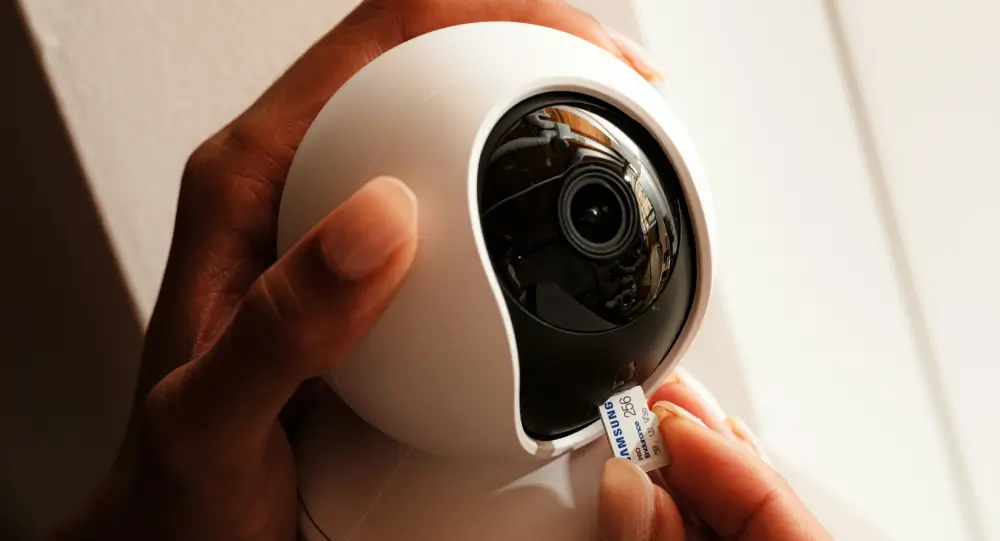
A self-monitored alarm requires someone to respond to its notifications. Choose professional monitoring only after checking eligibility and procedures. For access management, compare smart locks as a separate part of the plan.

How We Chose the Devices in This Complete Home Security Guide

This refresh compares published product specifications, installation requirements and ownership costs. It does not add new hands-on test results. We prioritize the right fit for each household over the longest feature list.

  • Different security jobsAlarm kits, cameras, lights and locks are compared for their own roles rather than as identical systems.
  • Exact configurationModel names, bundle contents and accessories determine what is actually included.
  • Ownership and upkeepPower, batteries, connectivity, local storage and recurring services affect long-term suitability.
  • Honest evidencePublished specifications support the comparison; unsupported response times and hands-on claims are not added.

Scores are editorial assessments, not measured laboratory results. Model generations, bundles and subscription features can differ by country; confirm the exact listing and current manufacturer documentation before ordering.

Compare the Example Security Setups

System Best For Key Features Power Source Smart Integration
Ring Alarm 2nd Gen Sensor-based alarm Check sensor bundle; eligible cellular backup Plug-in base + supported backup Check Ring/Alexa service support
Wyze Sense v2 Core Kit Entry-detection starting point Confirm kit support and current app/service needs Powered hub; battery sensors Check exact supported setup
Ring Battery Doorbell + Floodlight Close and wide entrance views Visitor video, lighting; recording plan extra Battery doorbell + hardwired floodlight Ring / Alexa supported features
Blink Mini Pan-Tilt Optional indoor check-ins App-controlled pan/tilt; not automatic tracking Plug-in Blink / Alexa supported features
Google Nest Cam Battery Google Home camera view 1080p HDR; plan-dependent history/features Battery or supported power accessory Google Home
Arlo Pro 4 3-Pack Several exterior viewpoints 2K fixed-view camera kit; not an alarm Rechargeable batteries Check Arlo and hub-dependent integrations
Blink Outdoor 4 XR Supported extended-range setup Needs compatible Sync Module XR arrangement Battery cameras; powered module Blink / Alexa supported features
Reolink Dual-Lens 4K Broad camera viewpoint 180° view; verify exact model and storage Version-dependent; check bundle Supported Reolink app functions
SimpliSafe 8-Piece Sensor-based alarm Verify remote and monitoring service needs Powered base + supported backup Check current service compatibility

Common Home Security Setup Mistakes to Avoid

Buying before mapping the property

List the entries, routes and views that matter, then decide which problem each device solves. Avoid buying overlapping cameras while leaving the actual entrance without appropriate detection. Strengthen or repair physical doors and locks where needed rather than expecting electronics to compensate for poor hardware.

Assuming the demonstration matches your installation

Manufacturer footage and ideal battery estimates are not your property. Test each camera after dark, inspect a saved clip and check the farthest sensor. Follow mounting guidance and avoid glare from walls, windows or lights. Make sure the strongest feature in the specification is useful at your actual viewing distance.

Confusing free live view with saved evidence

Confirm what happens after an event: whether a clip is saved, for how long, and how you export it. Budget for memory cards, hubs and plans. A free app does not establish free video history, remote alarm control or professional monitoring. Check the features after a trial ends.

Treating one backup as protection for everything

A base-station battery does not power every camera, light, router or broadband connection. Cellular alarm backup is not satellite service or automatic backup internet for all devices. Check the failure behavior of each important component and keep a practical access method when the lock or phone is unavailable.

Overlooking privacy and access permissions

Use unique account credentials, two-factor authentication where available and limited household sharing. Aim cameras at the relevant area rather than private neighboring spaces. Review old users and guest codes. If the property is an Airbnb rental, indoor security cameras are prohibited, including switched-off devices; exterior devices must meet its separate requirements.

Complete Home Protection Systems Checklist

Use this as a commissioning checklist for the equipment you actually choose. Not every home needs an indoor camera, solar panel, voice assistant or professional monitoring plan. The aim is a working, understandable setup with clear responsibilities and a fallback when something goes offline.

Doors and access

  • Doors close securely and the deadbolt turns freely.
  • Selected sensors or locks fit their intended positions.
  • Authorized users know the manual or emergency-entry method.

Appropriate camera views

  • Each camera has a specific useful purpose.
  • Indoor placement respects private spaces and property rules.
  • Saved day and night clips show the intended route.

Outdoor installation

  • Mounts are secure and power accessories are outdoor-rated.
  • Lighting avoids unnecessary glare into neighboring areas.
  • Signals work at the actual camera and sensor positions.

Alarm commissioning

  • Compatible sensors trigger the expected alarm behavior.
  • Everyone understands arming, disarming and entry delays.
  • Monitoring enrollment and any local requirements are confirmed if used.

Accounts and permissions

  • Account protections and supported updates are enabled.
  • Shared users have only the access they need.
  • Unused guest codes and old permissions are removed.

Power and connectivity

  • Battery warnings and maintenance checks are assigned.
  • Internet and power outage behavior is understood.
  • Any cellular or backup service is active and eligible.

Recording and ownership costs

  • Required cards, hubs and plans are included in the budget.
  • Playback, retention and clip export have been tested.
  • Features remaining after any trial are understood.

Routine maintenance

  • A responsible person knows how to respond to alerts.
  • Mounts, lenses and sensor batteries are checked periodically.
  • The plan is reviewed when household access or the property changes.

Conclusion: Building a Home Security Solution That Truly Protects You

Build around the job you need done, then check the whole process works. An alarm detects a supported event; a camera provides a view; lighting improves visibility; a lock manages access. Combining them can be useful, but buying more devices does not automatically create better protection.

Start with secure physical entries and the most relevant detection or viewpoint. Add services deliberately, keep the setup understandable to the people using it, and test recordings, notifications and fallbacks at the property. When you are ready to shortlist equipment, the linked guides above compare each category in more detail.

FAQ: Home Security Systems

Do I need an alarm or are cameras enough?

That depends on the job. Cameras provide views and recordings, while a sensor-based alarm detects supported entry or motion events and can sound a siren. A camera bundle is not automatically an intrusion alarm or a monitoring service.

How many cameras does a home need?

There is no universal number. Map the entrances and routes you need to see, then check each viewpoint. One useful camera can be better than several overlapping views, and indoor cameras are optional where privacy and property rules permit them.

Can I build a system without a monthly fee?

Some local functions can operate without recurring services, but remote app features, cloud video, cellular backup or professional monitoring may require payment. Check the exact devices and what remains available after any trial.

Does wireless mean no installation work?

No. Battery devices still need secure mounting, maintenance and a suitable signal. A wireless data connection can also be used by a device that needs wired electrical power.

Does battery backup keep the entire system online?

Not necessarily. Alarm bases, cameras, routers and internet services have separate power and connection requirements. Confirm which devices remain functional and which alerts or recordings are available during an outage.

Can I mix security brands?

Sometimes, but verify each integration and supported action. A shared platform logo or radio standard does not guarantee full compatibility. Consider whether using separate apps makes the system harder for the household to manage.

Will a smart security system prevent every break-in?

No. Devices can support detection, visibility and access management, but they cannot guarantee prevention or emergency response. Physical security, correct installation, maintained equipment and a clear response plan remain important.